CallRail Google Ads Call Tracking: Full Setup
TL;DR: Phone calls from Google Ads reach you two ways, and each needs its own CallRail setup. Calls from your website need a website pool, the CallRail snippet, auto-tagging, and the Google Ads integration, and CallRail posts them as a "Phone Call" conversion. Calls from the ad's call button need a Google Ads Assets number in a call asset plus Google's call reporting sending data to CallRail, and Google counts them itself. Most local service accounts need both. Set up each path once, and make sure no call is counted by two systems.
If you advertise on Google Ads and your customers phone you, there is no single "call tracking" switch. A call can start in two places, and they work differently enough that setting up one doesn't cover the other. That's the most common reason I find an account where CallRail shows plenty of calls and Google Ads shows almost none.
This is the overview. Each path has its own step-by-step guide with screenshots, linked below.
The two kinds of calls
| Calls from your website | Calls from the ad's call button | |
|---|---|---|
| Where the call starts | A visitor clicks your ad, lands on a page, then calls the number there | Someone taps the call button on your ad |
| CallRail number | A website pool | A Google Ads Assets number |
| How the call is tied to the ad click | The snippet captures Google's click ID | Google's Call Details Forwarding sends attribution data |
| Who posts the conversion | CallRail, as a "Phone Call" action | Google, from its call conversion settings |
| What you need | Snippet, auto-tagging, Google Ads integration | A call asset with the number, call reporting, data sent to CallRail |
| Full guide | Website pool setup | Call assets setup |
The reason for the split is mechanical. CallRail's standard Google Ads tracking depends on a script on your website capturing the click ID when a page loads. A call made from the ad itself never loads a page, so that method can't see it. I explain why in call extensions won't track as conversions.
Which setup do you need?
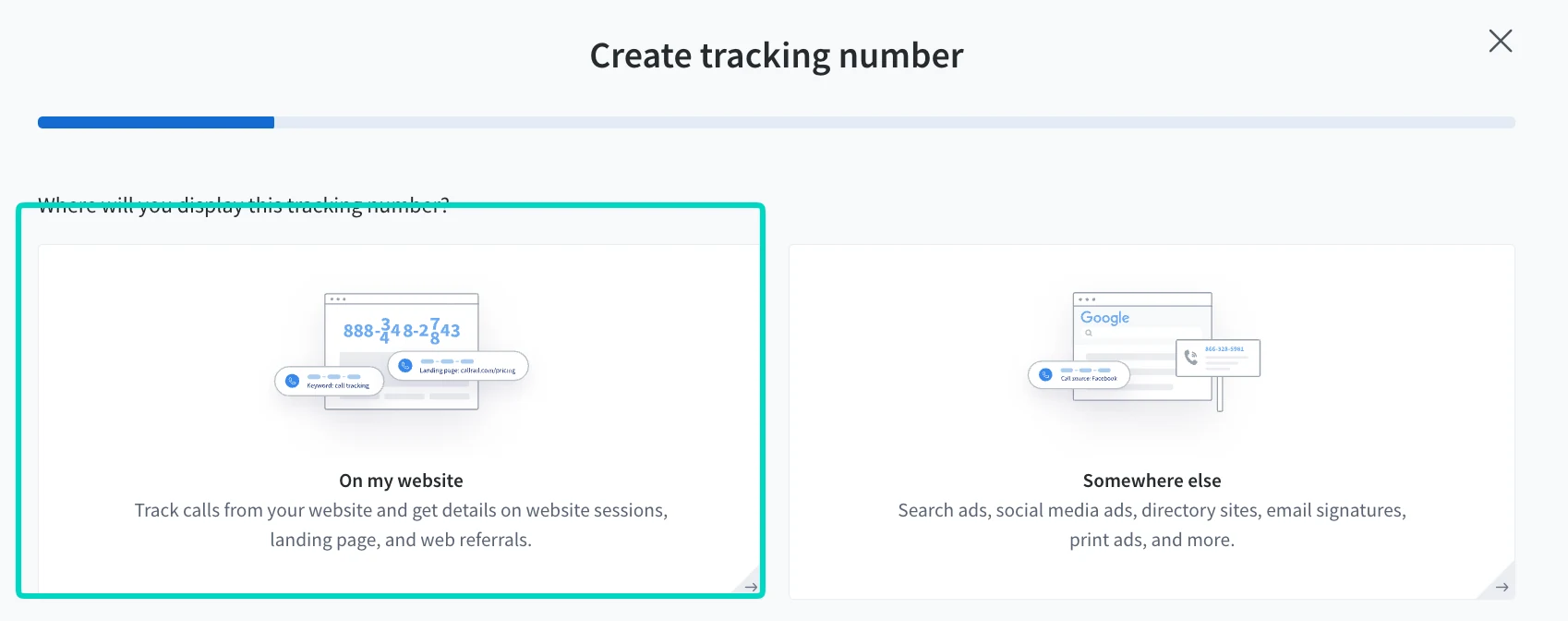
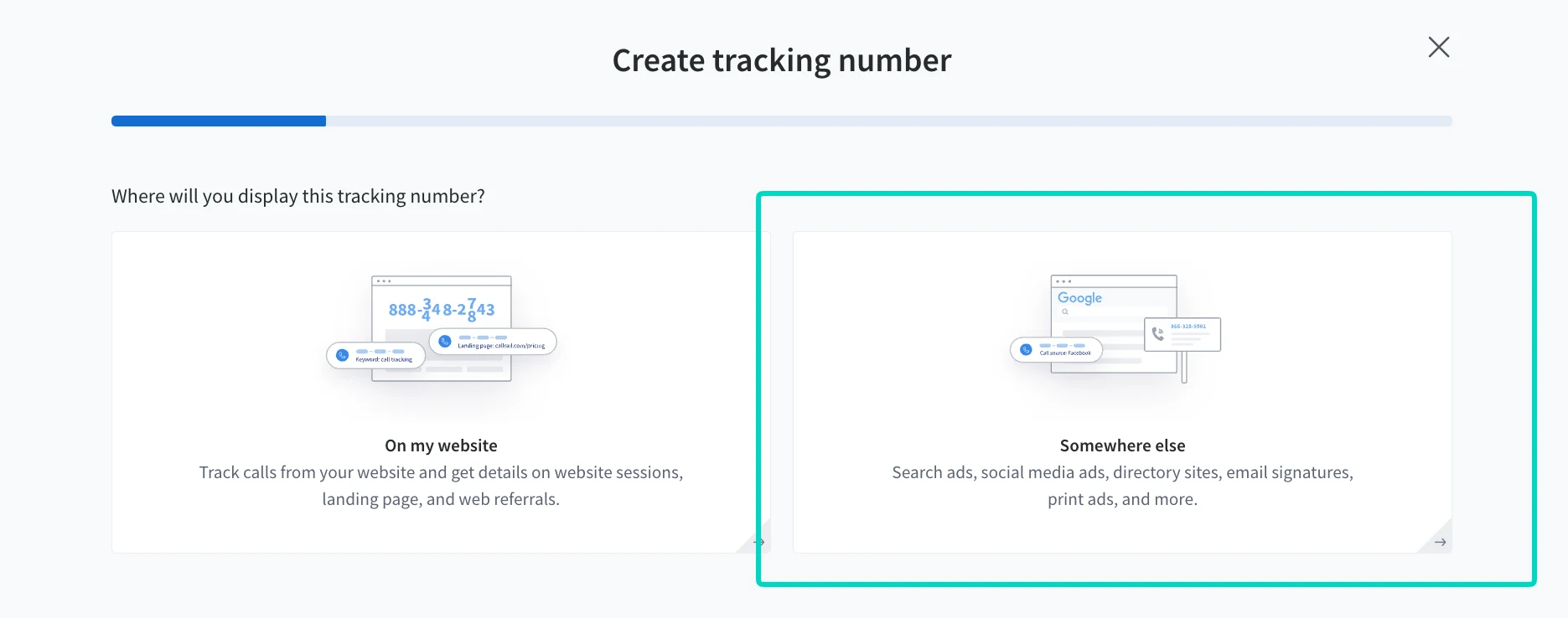
Check two things. Open your Google Ads account and look for call assets, which are the phone numbers added under Assets. Then open your website and see whether your phone number is displayed on the pages where ad traffic lands. If both are true, you need both setups. In CallRail they begin with the same question, "Where will you display this tracking number?", and the answer picks the path.
The order I set it up in
- Turn on auto-tagging in Google Ads. CallRail says its Google Ads integration needs it for calls and forms to report as conversions.
- Install CallRail's JavaScript snippet on every page that shows a phone number or form, and test that the number swaps.
- Create the website pool with the "On my website" option, and connect the Google Ads integration so CallRail can create its conversion action.
- Create the Google Ads Assets number with the "Somewhere else" option, and add it as a call asset in Google Ads.
- Turn on call reporting and call details forwarding in Google Ads, with CallRail as the call analytics provider, so Google can count call asset calls and CallRail receives the attribution data.
- Check the conversion actions and test every path with a real call.
Steps 1 to 3 are covered in the website pool guide, and steps 4 and 5 in the call assets guide.
The website pool half (steps 1 to 3) is also available as a short video, about a minute and a half.
Two conversion actions, on purpose
The two paths report through different conversion actions, and that surprises people:
- "Phone Call" is the action CallRail creates in Google Ads for website pool calls. CallRail says its calls only report there and won't show under "Calls from ads."
- "Calls from ads" is Google's own call conversion, counted from Google's call reporting for call assets. Google says the default counts calls over 60 seconds, and you can change the duration.
Both can be correct at once. Decide deliberately which are Primary, since Primary actions are what Smart Bidding optimizes toward, and check that no call is counted twice. CallRail recommends its actions be Primary so they appear in reports and can feed automated bidding. Google warns against tracking the same calls with two different call conversion actions. For why this choice matters, see what a Google Ads conversion is.
Conflicts to check on an existing account
- A source number overriding the pool. CallRail's swap precedence rules say a source tracking number always takes precedence over a website pool. If an old Google PPC source number is still active, set it to offline or deactivate it.
- Call reporting on or off. With call reporting on, your ads show a Google forwarding number that connects to your CallRail number. Google says turning it off shows your direct number but prevents Google Ads from tracking calls.
- Unverified phone numbers. Google says third-party call tracking numbers can be disapproved as unverified. Its fix is linking Search Console to Google Ads, or putting the Google tag directly in your site's HTML, not through Google Tag Manager.
- A renamed conversion action. CallRail says renaming "Phone Call" or changing its source stops conversions from being sent.
- Two systems counting website calls. If Google's own website call tracking is also running, you may count the same call twice.
Frequently asked questions
Do I need both a website pool and a Google Ads Assets number? If your ads show a call button and your website shows a phone number, yes. They track different calls: the pool tracks callers who land on your site, and the Assets number tracks callers who tap the button on the ad.
Why does CallRail show calls that Google Ads doesn't? Usually because the path isn't connected. Website calls need the snippet, auto-tagging, and the Google Ads integration. Ad calls need call reporting turned on, since CallRail says it doesn't post conversions for call asset calls, and Google counts them itself.
Can CallRail track Google Ads calls without a website snippet? Calls from the ad's call button don't need the snippet. CallRail receives them through Google's Call Details Forwarding. Calls that start on your website do need it, because that's how CallRail captures the click ID.
Which conversion action should be Primary? It depends on which calls you want Smart Bidding to learn from. Pick on purpose and avoid counting the same call in two actions. The "Phone Call" action CallRail creates and Google's "Calls from ads" cover different calls.
How long until conversions show up in Google Ads? CallRail says changes to its Google Ads integration can take up to 24 hours to register, and it only captures calls after the integration is activated.
If you'd rather have the whole thing built and checked, including the pool, the call assets, call reporting, and the conversion actions, that's what my CallRail integration service covers. If it's live but the numbers disagree, a tracking audit will find where.
Related posts
- Track Google Ads Website Calls in CallRailStep by step: build a CallRail website pool for Google Ads visitors, install the snippet, connect Google Ads, and test that calls count as conversions.
- Track Google Ads Call Assets in CallRailStep by step: create a CallRail Google Ads Assets number, add it as a Google Ads call asset, and turn on call reporting so calls are tracked.
- Call Extensions Won't Track as ConversionsCallRail can't capture calls from call extensions, no landing page loads for them. The real fix is Google's own Call Details Forwarding, not a CallRail setting.
- What Is a Google Ads Conversion?A conversion is a specific action you've told Google Ads to count as valuable, not a click or a visit. Here's what counts and how to set one up.
Related services
- CallRail IntegrationCallRail integration with Google Ads and GA4 that ties each phone lead to its campaign and keyword, so bidding learns from real calls.
- Tracking AuditGA4, GTM and conversion tracking audit for US businesses: a written report of what's broken, missing, or double-counted, in priority order.
Questions about how this affects your account?
Let's talk